Photorealistic (QuantV ReShade Preset) v1.1

.png "Photorealistic Reshade Preset")

.jpg "AI & Combat Improvements Mod")



1,834
3
1,834
3
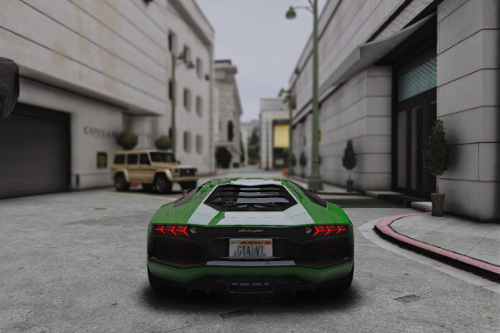
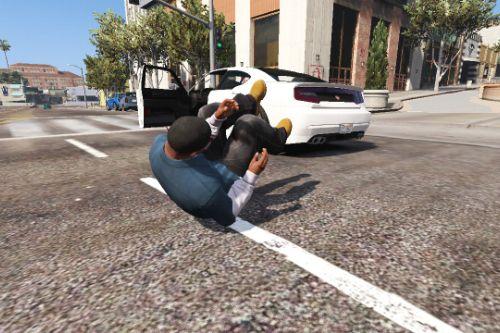
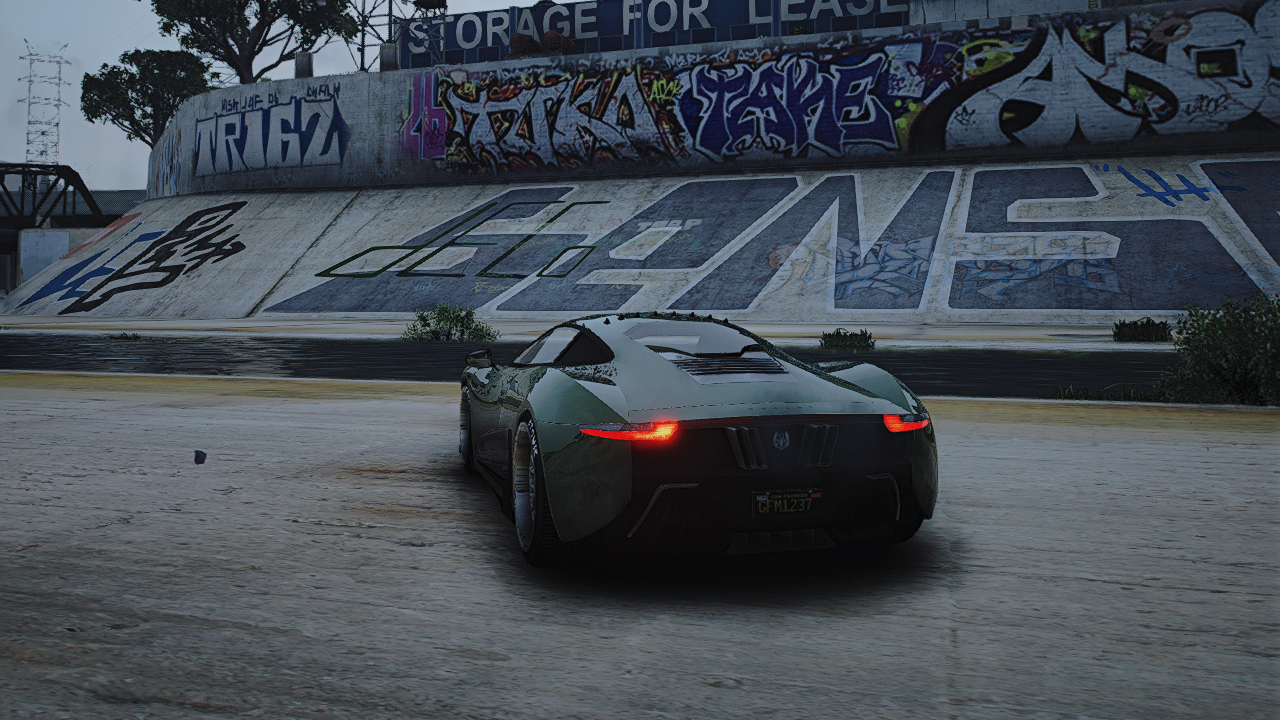
I customized some reshade effects to add a photorealistic effect to GTA 5 QuantV by adjusting colors , tonemapping , contrast , etc.
To get the same result as in the screen shots .
Use LA revo textures with maximum graphics settings with my reshade present .
If you want even better results use my premium reshade present for QuantV link is in the readme file ; )
v1.1 changelog :
Some colors adjustment , added yellow tint .
Installation (text tutorial):
1. Download Reshade: https://reshade.me/
2. Run the installer, Direct it to where your GTA5.exe is located
3. Select all the optional effects
4. When it's done, it'll say that ReShade is installed and you can close it out
5. Drop the preset file to your game folder
6. In game, open ReShade menu (Home , End , Ins)
7. Select my preset from the list
8. Enjoy!
To get the same result as in the screen shots .
Use LA revo textures with maximum graphics settings with my reshade present .
If you want even better results use my premium reshade present for QuantV link is in the readme file ; )
v1.1 changelog :
Some colors adjustment , added yellow tint .
Installation (text tutorial):
1. Download Reshade: https://reshade.me/
2. Run the installer, Direct it to where your GTA5.exe is located
3. Select all the optional effects
4. When it's done, it'll say that ReShade is installed and you can close it out
5. Drop the preset file to your game folder
6. In game, open ReShade menu (Home , End , Ins)
7. Select my preset from the list
8. Enjoy!
Pertama dimuat naik: 26 Mei, 2025
Tarikh Kemaskini: 31 Mei, 2025
Last Downloaded: 3 hours ago
0 Komen
More mods by GFM1237:
I customized some reshade effects to add a photorealistic effect to GTA 5 QuantV by adjusting colors , tonemapping , contrast , etc.
To get the same result as in the screen shots .
Use LA revo textures with maximum graphics settings with my reshade present .
If you want even better results use my premium reshade present for QuantV link is in the readme file ; )
v1.1 changelog :
Some colors adjustment , added yellow tint .
Installation (text tutorial):
1. Download Reshade: https://reshade.me/
2. Run the installer, Direct it to where your GTA5.exe is located
3. Select all the optional effects
4. When it's done, it'll say that ReShade is installed and you can close it out
5. Drop the preset file to your game folder
6. In game, open ReShade menu (Home , End , Ins)
7. Select my preset from the list
8. Enjoy!
To get the same result as in the screen shots .
Use LA revo textures with maximum graphics settings with my reshade present .
If you want even better results use my premium reshade present for QuantV link is in the readme file ; )
v1.1 changelog :
Some colors adjustment , added yellow tint .
Installation (text tutorial):
1. Download Reshade: https://reshade.me/
2. Run the installer, Direct it to where your GTA5.exe is located
3. Select all the optional effects
4. When it's done, it'll say that ReShade is installed and you can close it out
5. Drop the preset file to your game folder
6. In game, open ReShade menu (Home , End , Ins)
7. Select my preset from the list
8. Enjoy!
Pertama dimuat naik: 26 Mei, 2025
Tarikh Kemaskini: 31 Mei, 2025
Last Downloaded: 3 hours ago
Sertai perbualan! Log masuk atau daftar untuk mendaftar akaun untuk dapat komen.
 5mods on Discord
